
Content
Slides should reflect the structure of your lecture, not reproduce your notes. Use keywords and headings to guide the lecture; reserve full explanations for speaking. Slides are prompts for teaching, not substitutes for it. Include only what is necessary to guide the lecture, not everything contained in your notes.
Here is what should be included on your Slides:
Headings and subheadings of lecture outline (2 levels)
Key Scripture passages (excerpts only)
Key words and definitions
Important quotations or excerpts (Keep quotations brief and highlight key phrases rather than displaying full paragraphs.)
Relevant charts & tables
Helpful images and illustrations
Design
It is best practice to keep the slides in mind even as you are preparing your lectures notes, instead of keeping it off till the very end.
Keep text to a minimal (Slides should assist you in delivering the lecture, they should not be the main source of information). If a slide can be read as a paragraph, it contains too much text.
Use bullet points
Generally try to stick to the 5-5-5 rule when possible:
No more than five words per line of text, five lines of text per slide, or five text-heavy slides in a row.Use key-phrases instead of full sentences.
When a slide becomes dense, divide it into multiple slides rather than reducing font size. Slides should be easily understood at a glance, without requiring extended reading.


1. Original

2. Cleaned Up
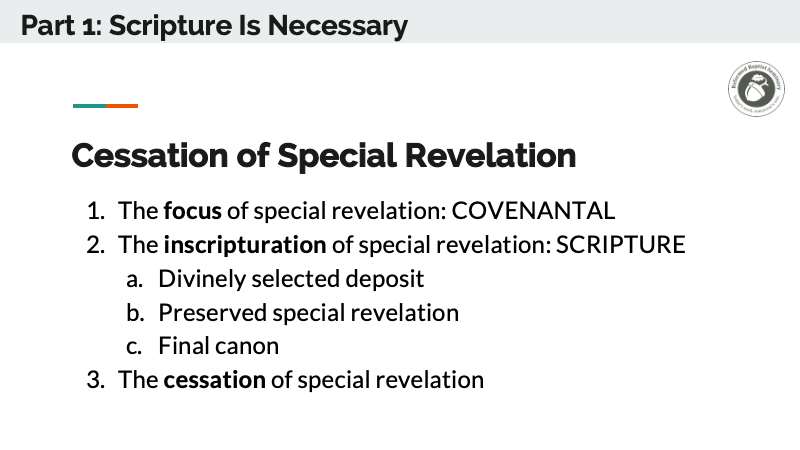
Notice how full sentences and detailed explanations are reduced to key terms and structure, while the lecture provides the explanation.
Formatting
Create your initial layout directly in Google Slides. This online software is very easy to work with and collaborate online.
You can skim through the relevant parts of this 17-min full video tutorial on using Google Slides.Do not use smaller than 20 pt font.
Avoid placing text or images very close to the margin of the slide.
Use bold font for keywords in quotations and phrases.
For an hour lecture, try to have at least 15 slides, 20–30 is more ideal.
Aim to have your slides evenly spread throughout the lecture.
Avoid complex/cursive fonts and text effects (drop shadow, glow, stroke, etc.).
Example
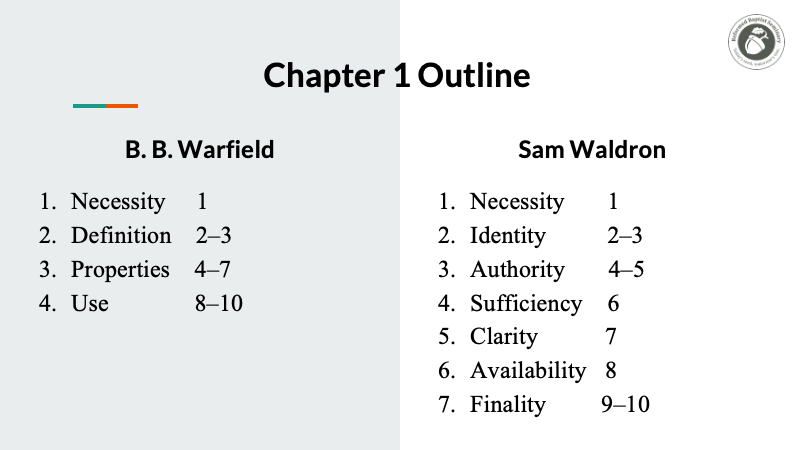
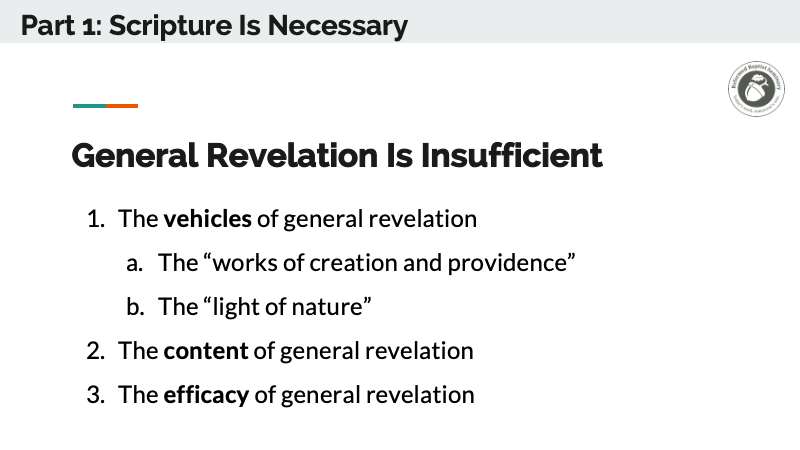
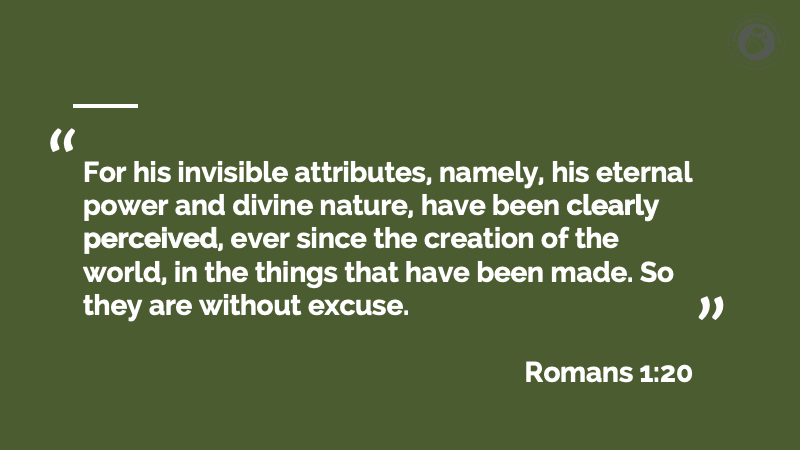
Here is an example of Google Slides from our first module for the 1689 Theology Project.







Slide Transition Guidance
When preparing notes, mark where slides will change (e.g., headings, subpoints, or key terms) so slides align with the flow of your lecture.
Advance slides when you move to a new main idea, sub-point, or key term—not mid-explanation. This gives a clear trigger without overcomplicating.
Avoid advancing slides too quickly; allow audience time to read and orient before continuing.